ITR Filing for TDS Refund: Complete Process, Documents and Timeline (FY 2025-26)
ITR Filing for TDS Refund: Complete Process, Documents and Timeline (FY 2025-26)
Filing an Income Tax Return (ITR) against TDS is linked to two main purposes: first, to get a refund of the excess tax deducted; and second, to ensure compliance with tax rules. If the amount of TDS deducted on your income is more than your actual tax liability, you can file your return at the Income Tax e-filing portal.
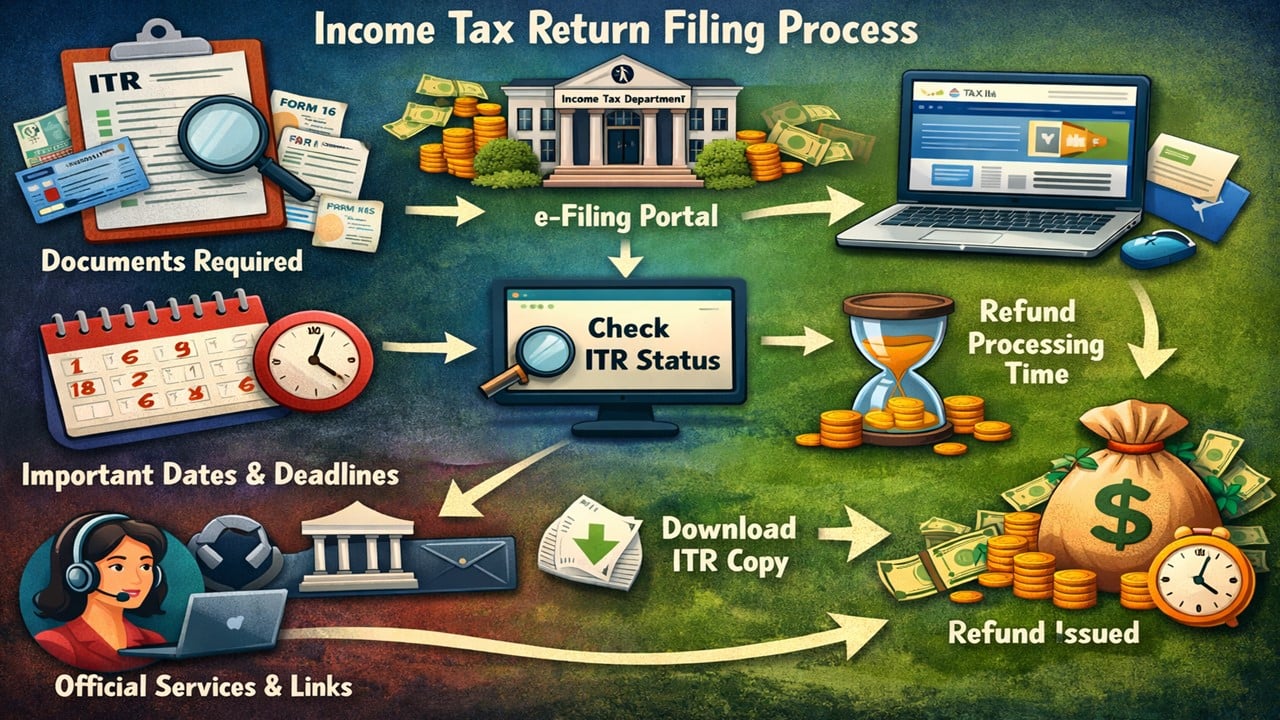
1. Step-by-step process to file ITR
- First, go to the official e-filing portal.
- Log in with the help of your PAN and password.
- Click on the “File Income Tax Return” option.
- Select Assessment Year 2026-27.
- Select the appropriate ITR form (ITR-1, ITR-2, etc.) based on your income sources.
- Verify your TDS details using Form 26AS or AIS before submission.
- Finally, submit the return and e-verify.
2. Documents required for ITR filing
- PAN card
- Aadhaar card
- Form 16
- Form 26AS/AIS
- Bank account information
- Proof of investments and deductions (if applicable)
3. Important Dates (FY 2025-26 / AY 2026-27)
- Start date: May 2026 – June 2026 (expected)
- Last Date: July 31, 2026 (For Non-Business)
- Belated Return Deadline: December 31, 2026
4. How to check ITR filing status
- Log in to the portal.
- Go to the “View Filed Returns” section.
- Select the relevant Assessment Year
- Check the status (Filed, Verified, or Processed)
5. How much time does it take for an ITR refund?
- Refunds are usually processed within 7 to 45 days after e-verification.
- If there is any discrepancy in the details, delays are possible.
6. Process to download a copy of the ITR
- Log in to the portal.
- Go to the “View Filed Returns” option.
- Click on “Download ITR-V”.
- Save the PDF file
7. Official Link (ITR-related services)
All the necessary official links for ITR filing and related services are provided by the Income Tax Department, using which you can complete the entire process online.
- ITR Filing Portal: https://www.incometax.gov.in/iec/foportal/
- Form 26AS (TDS Details): incometax.gov.in/iec/foportal
- AIS (Annual Information Statement): incometax.gov.in/iec/foportal/
- Check ITR Status: incometax.gov.in/iec/foportal/
- Download ITR-V: incometax.gov.in/iec/foportal/
- DigiLocker (Optional): digilocker.gov.in
Finally, please complete the e-verification; this will ensure that your ITR is considered complete and that there are no delays in the refund.